 How to Create Unhackable Passwords in 2026 | Strong Password Generator Guide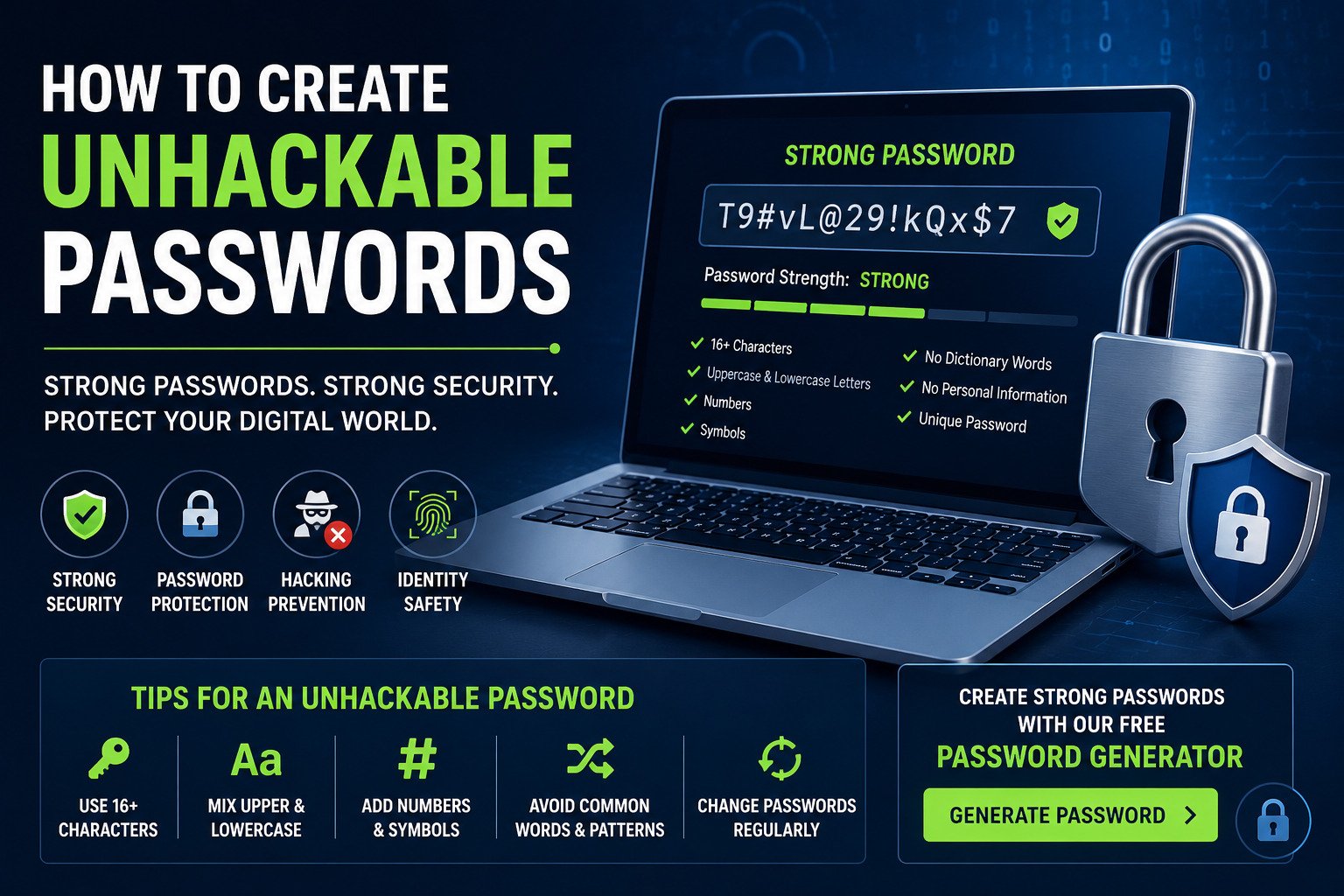
Cyber attacks and password leaks are increasing every year. Weak passwords make it easier for hackers to access your bank accounts, social media profiles, and personal information. Creating unhackable passwords is one of the best ways to improve your online security.
Why Strong Passwords Matter
Hackers use automated tools and brute-force attacks to crack weak passwords within seconds. Using strong password combinations can protect your accounts from unauthorized access and identity theft.
- Protect personal accounts
- Secure online banking
- Prevent hacking attempts
- Reduce phishing risks
- Improve digital privacy
Features of an Unhackable Password
| Security Feature | Description |
|---|---|
| Length | Use at least 16 characters |
| Uppercase Letters | Add capital letters randomly |
| Numbers | Include unpredictable digits |
| Symbols | Use special characters like @, #, $, % |
| Uniqueness | Never reuse passwords across websites |
Best Password Combinations
The best password combinations use random words, numbers, and symbols. Avoid using birthdays, names, or common dictionary words.
Example of a weak password:
12345678
Example of a strong password:
T9#vL@29!kQx$7
Use a Strong Password Generator
A strong password generator helps users create secure passwords instantly. Online password generators use random algorithms to generate passwords that are difficult to crack.
Create Strong Password Online
Generate secure and unhackable passwords instantly using our free password generator tool.
Generate PasswordPassword Hacking Prevention Tips
- Enable two-factor authentication
- Never share passwords online
- Use different passwords for every account
- Update passwords regularly
- Use password managers securely
- Avoid public WiFi for sensitive logins
Common Password Mistakes
Many users still use weak passwords that hackers can easily guess. Avoid these common mistakes:
- Using the same password everywhere
- Using simple sequences like 123456
- Saving passwords in plain text
- Sharing passwords through email
How Password Managers Help
Password managers securely store and manage your passwords using encryption. They also help create secure passwords automatically.
Frequently Asked Questions
What makes a password impossible to hack?
Long and random passwords with symbols, uppercase letters, and numbers are extremely difficult to hack.
Is using a password generator safe?
Yes, trusted password generators create secure passwords using random encryption methods.
How often should passwords be changed?
Experts recommend changing important passwords every few months, especially for banking and email accounts.