 Identity Theft Protection Guide | Online Identity Security & Privacy Protection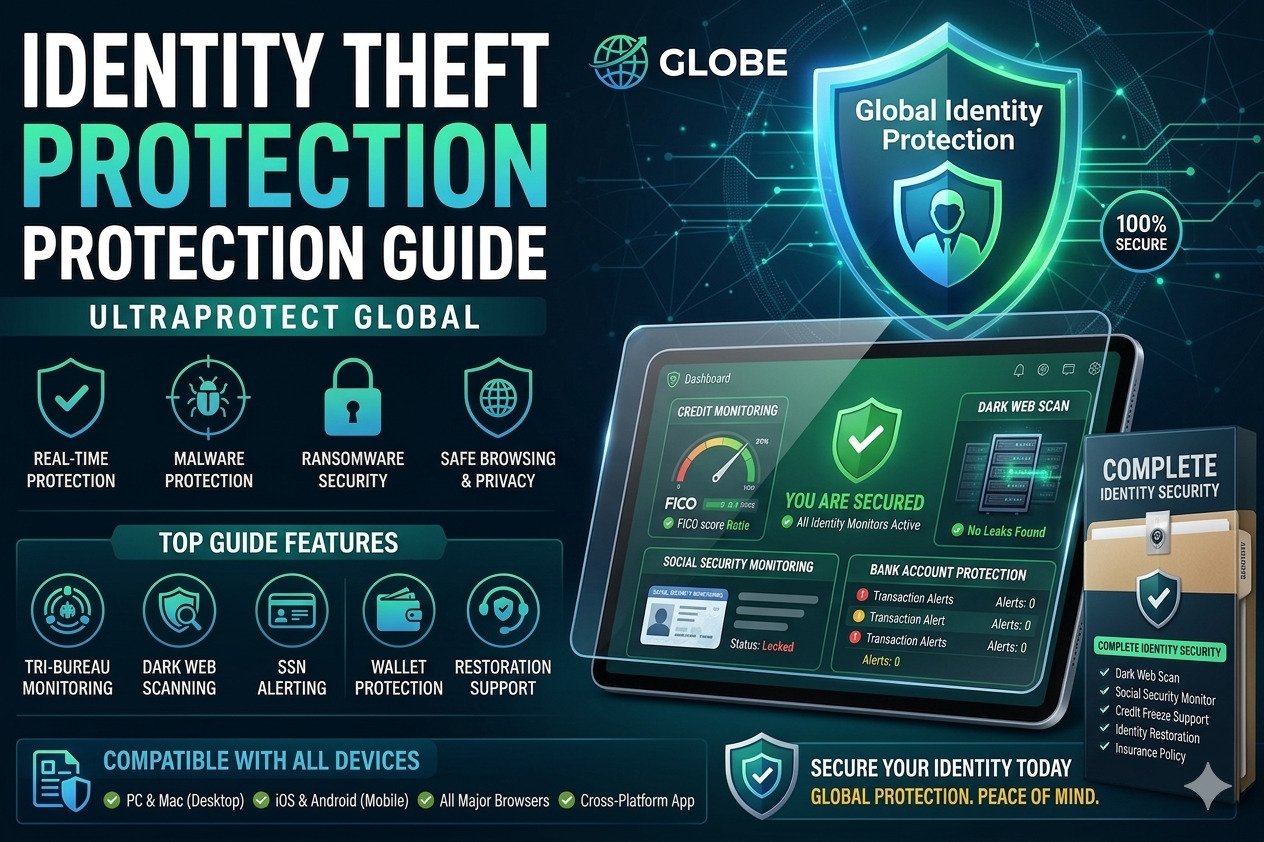
Cyber identity theft and online fraud are growing rapidly across the world. Hackers target personal information, banking details, passwords, social media accounts, and online identities through phishing attacks, malware, data breaches, and dark web leaks.
What is Identity Theft Protection?
Identity theft protection refers to security methods and online privacy protection strategies used to protect personal information from cybercriminals. Identity fraud prevention helps secure financial data, login credentials, social media accounts, and sensitive online records.
- Protect online banking information
- Prevent account hacking
- Reduce phishing attack risks
- Secure online privacy
- Monitor leaked personal information
Common Types of Cyber Identity Theft
| Identity Theft Type | Description |
|---|---|
| Financial Identity Theft | Hackers steal banking or credit card information |
| Email Account Theft | Cybercriminals access Gmail or email accounts |
| Social Media Identity Theft | Fake accounts or hacked profiles impersonate users |
| Medical Identity Fraud | Personal health information is stolen |
| Dark Web Data Leaks | Personal information sold on dark web marketplaces |
How Hackers Steal Personal Information
Cybercriminals use multiple techniques to steal online identity information and sensitive data from internet users.
- Phishing attacks
- Public WiFi hacking
- Malware infections
- Fake websites
- Social engineering scams
- Data breaches
Best Identity Fraud Prevention Tips
- Use strong and unique passwords
- Enable two factor authentication
- Monitor banking transactions regularly
- Use secure VPN connections
- Check online account activity frequently
- Update privacy settings on social media
- Install antivirus protection software
What is Dark Web Monitoring?
Dark web monitoring tools scan hidden online marketplaces and leaked databases to detect stolen passwords, banking information, and personal details. These services help users identify security breaches quickly.
Benefits of Online Privacy Protection
- Protect personal information
- Reduce identity fraud risks
- Improve account security
- Prevent financial fraud
- Secure digital identity
How to Protect Personal Information Online
Protecting personal information online requires strong cybersecurity habits and secure internet usage practices.
- Avoid public WiFi for banking
- Use password managers securely
- Enable login alerts
- Delete suspicious emails immediately
- Keep software updated regularly
Create Strong Passwords for Identity Protection
Generate strong passwords instantly and improve online identity security using secure password combinations.
Generate Secure PasswordSigns Your Identity May Be Stolen
- Unknown banking transactions
- Unexpected login alerts
- New accounts opened in your name
- Missing emails or password changes
- Dark web monitoring alerts
Online Identity Security Best Practices
Online identity security requires regular monitoring, secure login methods, password management, and awareness about phishing attacks and cyber scams.
Frequently Asked Questions
Can identity theft protection stop hackers completely?
No system is perfect, but identity theft protection significantly reduces risks and improves online security.
Is dark web monitoring useful?
Yes, dark web monitoring can alert users if passwords or personal information appear in leaked databases online.
How often should passwords be changed?
Important accounts should update passwords regularly, especially after security breaches or suspicious activity.