 How to Secure Gmail Account | Gmail Security Tips & Google Account Security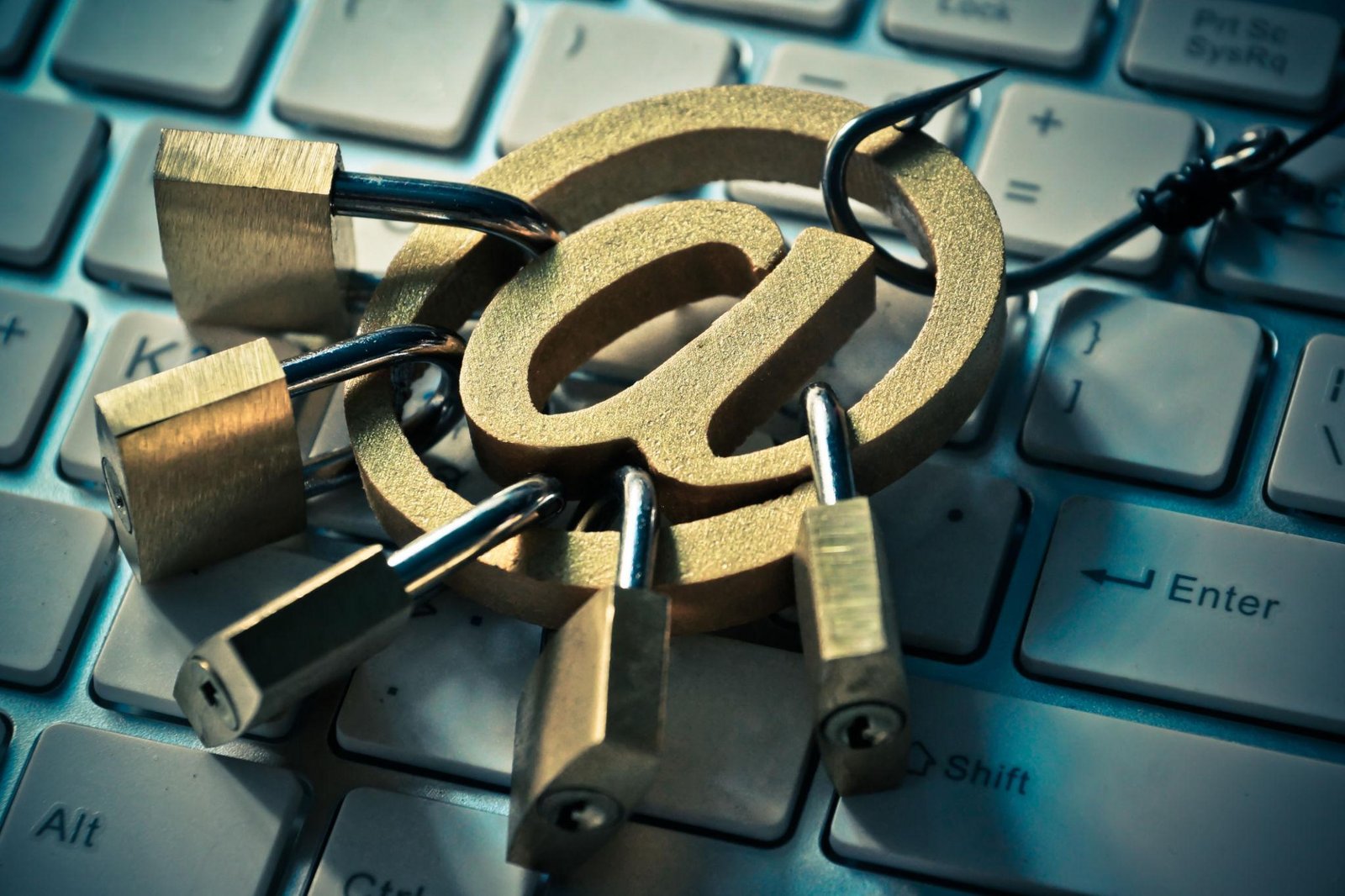
Your Gmail account stores important emails, passwords, banking information, personal documents, and online account access. Cybercriminals target Gmail accounts through phishing attacks, malware, fake login pages, and password leaks. Following proper Gmail security tips can significantly improve Google account security.
Why Gmail Account Security is Important
Google account security is essential because Gmail accounts are connected to YouTube, Google Drive, Google Pay, Android devices, and many other online services. A hacked Gmail account can expose personal data and financial information.
- Protect personal emails
- Prevent unauthorized account access
- Improve online privacy
- Secure banking notifications
- Protect connected Google services
Best Gmail Security Tips
| Gmail Security Method | Purpose |
|---|---|
| Strong Password | Protect account from brute force attacks |
| Two Factor Authentication | Add extra login security layer |
| Gmail Recovery Setup | Recover hacked or locked accounts |
| Privacy Settings | Control app and account access |
| Device Monitoring | Track suspicious login activity |
How to Secure Gmail Account Properly
- Create a strong and unique password
- Enable two factor authentication
- Check Gmail privacy settings regularly
- Remove unknown devices from account access
- Update Gmail recovery phone and email
- Avoid suspicious links and phishing emails
- Monitor Google security alerts
How to Stop Gmail Hacking
Hackers often use phishing attacks and fake login pages to steal Gmail passwords. Gmail hacking protection requires users to avoid suspicious emails and secure their login credentials.
- Never share Gmail passwords
- Do not click fake login links
- Use password managers securely
- Enable login notifications
- Update passwords regularly
Google Account Security Features
Google provides advanced account security tools to help users secure Gmail accounts and improve online privacy.
- Google Authenticator
- Security Checkup Tool
- Recovery Email Verification
- Login Activity Monitoring
- Suspicious Activity Detection
Gmail Recovery Methods
Gmail recovery settings help users recover hacked or locked accounts. Always update recovery phone numbers and backup email addresses.
Best Gmail Privacy Settings
- Disable unnecessary third-party app access
- Review connected devices regularly
- Enable safe browsing protection
- Turn on suspicious login alerts
- Use encrypted browser connections
Create Strong Gmail Passwords
Generate strong passwords instantly and improve your Gmail account security using secure password combinations.
Generate Secure PasswordSigns Your Gmail Account May Be Hacked
- Unknown emails sent from your account
- Password changed automatically
- New devices connected
- Suspicious login alerts
- Recovery email modified
Frequently Asked Questions
Can hackers bypass Gmail security?
Strong passwords, two factor authentication, and Gmail privacy settings make hacking much more difficult for attackers.
How often should Gmail passwords be changed?
Important accounts should update passwords regularly, especially if suspicious activity is detected.
Is Google account security free?
Yes, Google provides free security tools like two factor authentication and Gmail recovery options for all users.