
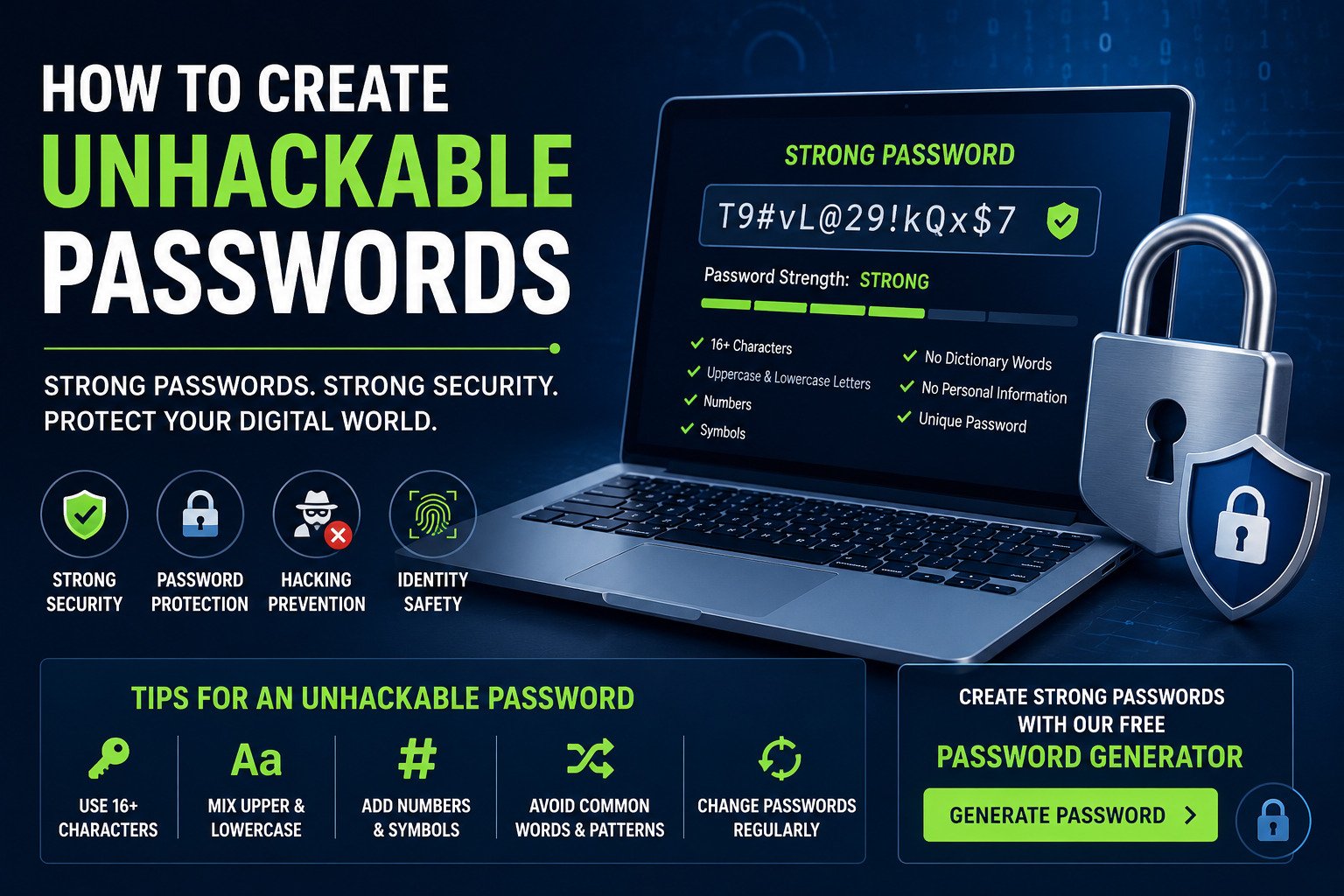
How to Create Unhackable Passwords
Learn the best secure password tips, password hacking prevention methods, and how to create strong passwords online using advanced password generators.
Cyber attacks and password leaks are increasing every year. Weak passwords make it easier for hackers to access your bank accounts, social media profiles, and personal information. Creating unhackable passwords is one of the best ways to improve your online security.
Why Strong Passwords Matter
Hackers use automated tools and brute-force attacks to crack weak passwords within seconds. Using strong password combinations can protect your accounts from unauthorized access and identity theft.
- 🛡️ Protect personal and sensitive credential profiles
- 🔒 Secure online banking and fintech platforms
- 🛑 Significantly intercept and prevent brute-force hacking attempts
- 📉 Reduce intermediate credential-stuffing and phishing risks
- 🌐 Improve your broader digital privacy footprints
Features of an Unhackable Password
| Security Feature | Description |
|---|---|
| Length | Deploy a baseline architecture of at least 16 characters to maximize complexity exponentially. |
| Uppercase Letters | Integrate capital letters unpredictably throughout the character string rather than just at the beginning. |
| Numbers | Weave non-sequential and non-repeating digits deep inside the string core. |
| Symbols | Embed high-entropy special characters selectively like @, #, $, or %. |
| Uniqueness | Enforce a strict isolation policy: never reuse identical combinations across multiple digital assets. |
Best Password Combinations
The best password combinations use random words, numbers, and symbols. Completely avoid incorporating recognizable strings like birthdays, pet names, or common dictionary items.
Use a Strong Password Generator
A strong password generator helps users create secure passwords instantly. Online password generators use highly randomized algorithms to output dynamic character strings that are virtually impossible to reverse-engineer or predict.
Password Hacking Prevention Tips
- 🔐 Enable multi-factor or two-factor authentication loops everywhere.
- 🛑 Never transmit plain-text credentials via unsecured chats or emails.
- 🔄 Establish unique, dedicated strings for every isolated login portal.
- ⏳ Cycle and refresh master security keys periodically.
- 🔑 Deploy highly trusted zero-knowledge password managers.
- 📡 Avoid authenticating into highly sensitive profiles on open public Wi-Fi.
Common Password Mistakes
- ❌ Recycling identical password profiles across personal and business hubs.
- ❌ Utilizing simple predictable sequences like
123456orqwerty. - ❌ Storing master parameters in plain digital text files or spreadsheets.
- ❌ Sharing dynamic access tokens over unencrypted channels.
How Password Managers Help
Password managers securely store, archive, and cross-sync your access tokens using end-to-end military-grade cryptography models. They eliminate human memory vulnerabilities and seamlessly autogenerate complex password arrays on demand.
Create Strong Password Online
Generate secure and unhackable passwords instantly using our free password generator tool architecture.
Frequently Asked Questions
1. What makes a password impossible to hack?
High cryptographic complexity. Long, entirely random strings containing a mixed layout of symbols, numbers, and case-sensitive variants resist modern algorithmic brute-force tools effectively.
2. Is using a password generator safe?
Yes. Reputable, client-side cryptographic generators produce strings using complex mathematical entropy matrices that never transmit or store your final token patterns online.
3. How often should passwords be changed?
Security compliance frameworks recommend cycling sensitive financial data and root master email access profiles every few months, or instantly if a corporate service breach warning occurs.
Related Articles
Cybersecurity Resources for Password Security
- Cybersecurity and Infrastructure Security Agency (CISA)
- National Institute of Standards and Technology (NIST)
- OWASP Security Guidelines